Enquiries straight into your CRM
Create or match contacts, capture enquiry context and assign follow-up without copying messages between tools.

Business systems · UAE & international projects
Automate enquiries, bookings and follow-ups with custom workflows connecting WhatsApp to your business systems.
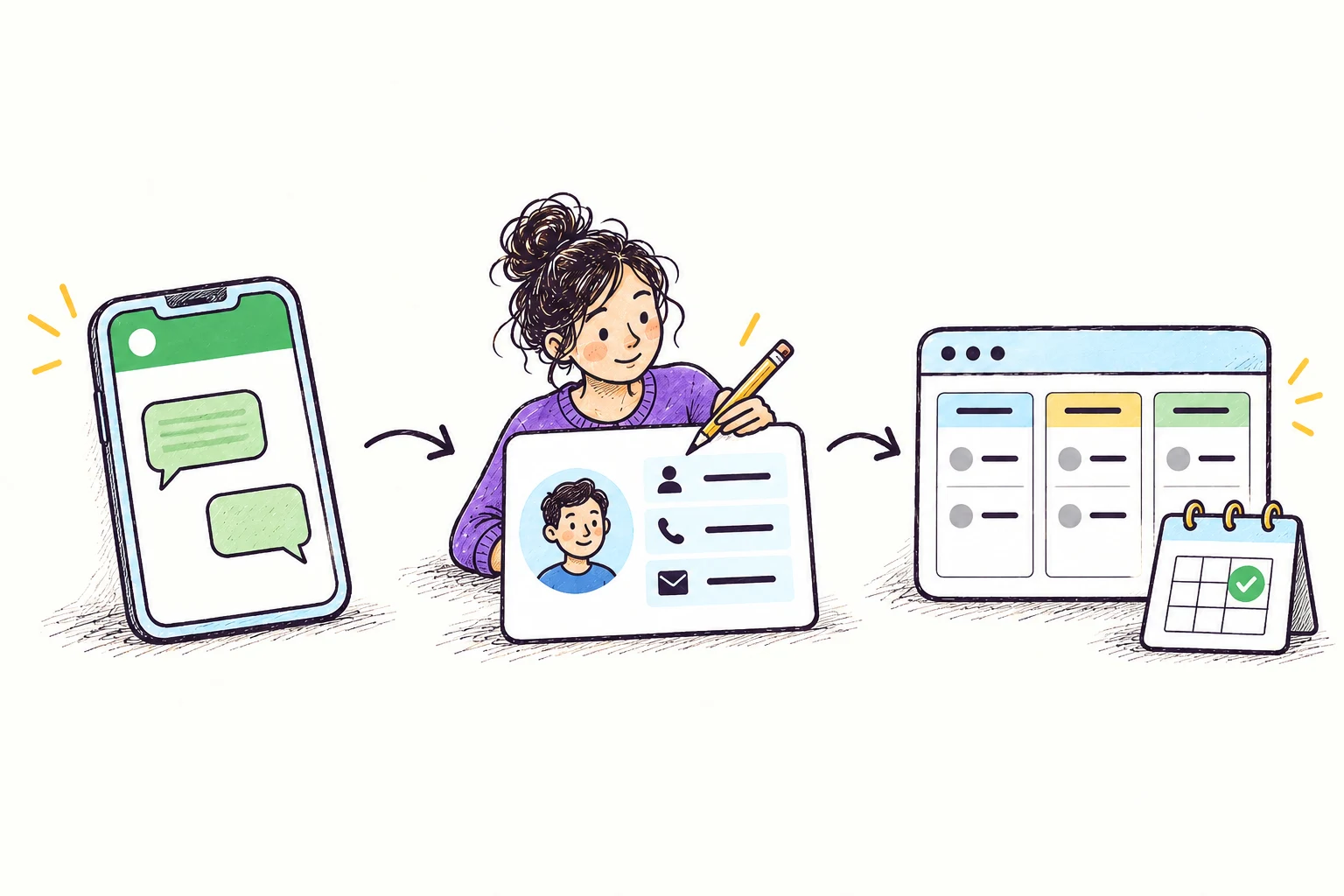
Example: connect WhatsApp enquiries to your sales pipeline.
Platforms we can connect




Your scope
A WhatsApp enquiry creates a CRM lead, assigns a teammate and schedules the next step.
We build the workflow around your tools, business rules and approvals.
What you can build
Create or match contacts, capture enquiry context and assign follow-up without copying messages between tools.
Connect appointment requests and order updates to your systems, with confirmation only after the action succeeds.
Answer supported questions, collect useful details and pass the conversation to your team when needed.
Choose your approach
| Approach | A good fit when… | What to consider |
|---|---|---|
| Connect WhatsApp to your CRM | Capturing enquiries, matching contacts and assigning follow-up to a sales or support team. | Your CRM and messaging setup determine how conversation history, ownership and replies can be shared. |
| Automate a customer workflow | Appointment requests, service updates and follow-up linked to events in your business systems. | Message permissions, supported interfaces and failed-action recovery must be designed into the workflow. |
| Add an AI assistant | Answering supported questions, collecting enquiry details and handing structured context to a person. | The assistant needs approved knowledge, clear action limits and ongoing checks of real conversation outcomes. |
Budget & planning
Scope depends on the channels, systems and conversation flows. Messaging, provider, model and hosting charges are separate from implementation.
Delivery
Agree channels, customer permissions, team responsibilities and the systems each conversation should update.
Build custom workflows that create records, assign tasks and trigger updates, with staff takeover when needed.
Check repeated messages, failed actions and transfers before rollout; document monitoring and ongoing ownership.
Yes, where supported interfaces exist. Contact matching, conversation access and assignment rules determine the connector or custom integration.
Yes. It can answer from approved information, collect details and structure enquiries. We test its limits and provide human handoff.
Yes, using permitted message types and customer permissions. Opt-outs, replies and human takeover stop or change follow-up as agreed.
Explore further
Let's work out the next step
Tell us what you want to build or improve.
Tell us about your project ↗Prefer email? [email protected] · Meet Aya Studio